


-2.png)
📑 Overview
The Time In Each Status report can be accessed under the Jobs heading.
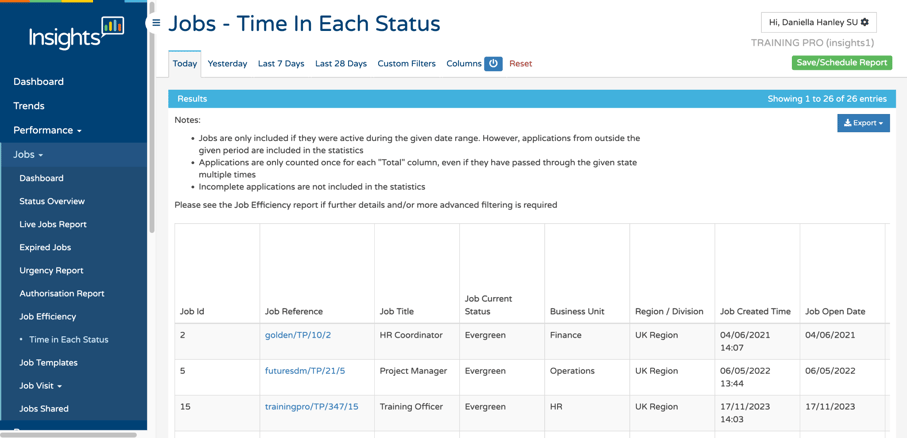
This report helps you understand how candidates are progressing through your recruitment process by showing how long applications spend in each status (bucket).
At a glance, you can see which status a job is currently in:
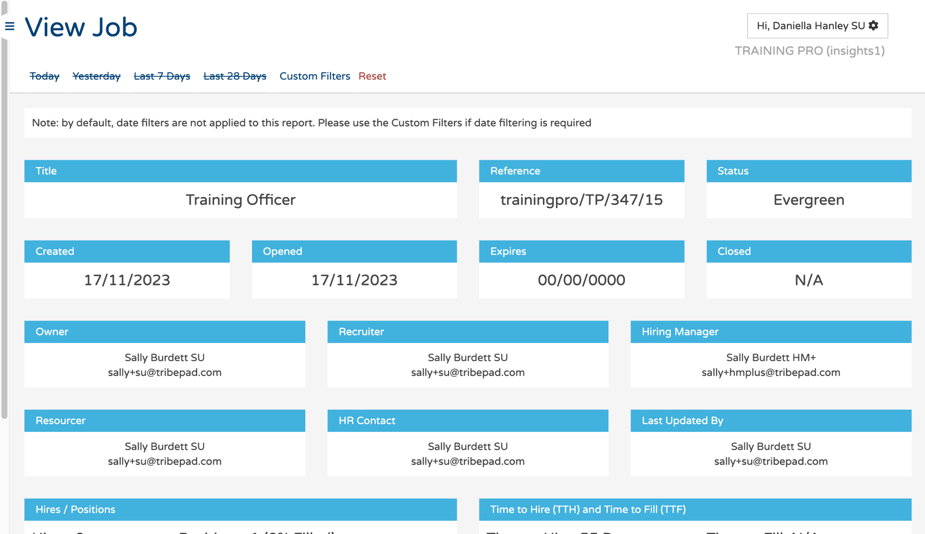
By selecting an individual job, you can view detailed insights into the average time candidates spend at each stage of the process.
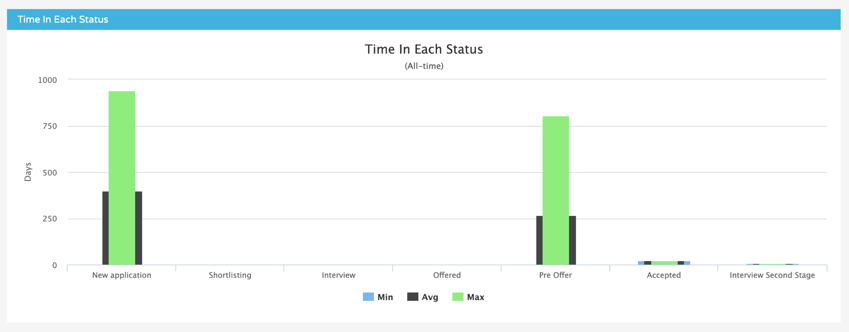
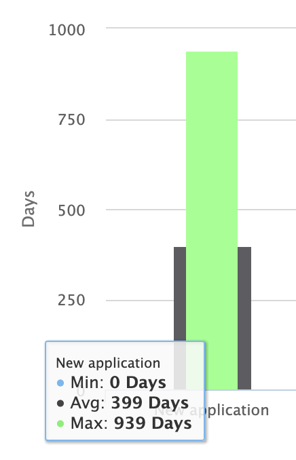
For example, the report may show that candidates remain in the New Application status for an average of 100 days before progressing.
Alongside status duration information, if you scroll further down the page the report also provides:
- Job applications per day
- Time to hire overview and metrics
- Job application details
‼️ Important Notes
- Jobs are only included if they were active during the selected date range. However, applications from outside that period are still included in the statistics.
- Applications are only counted once within each Total column, even if they have passed through the same status multiple times.
- Incomplete applications are not included in the statistics.
- If you require additional detail or more advanced filtering options, please refer to the Job Efficiency report.